▤ Hangscape.SEE YOUR WALL BEFORE YOU HANG.
YOUR WALL, YOUR WAY

A wall that tells your story.

Choose a starting point. Move a frame. Make it yours.

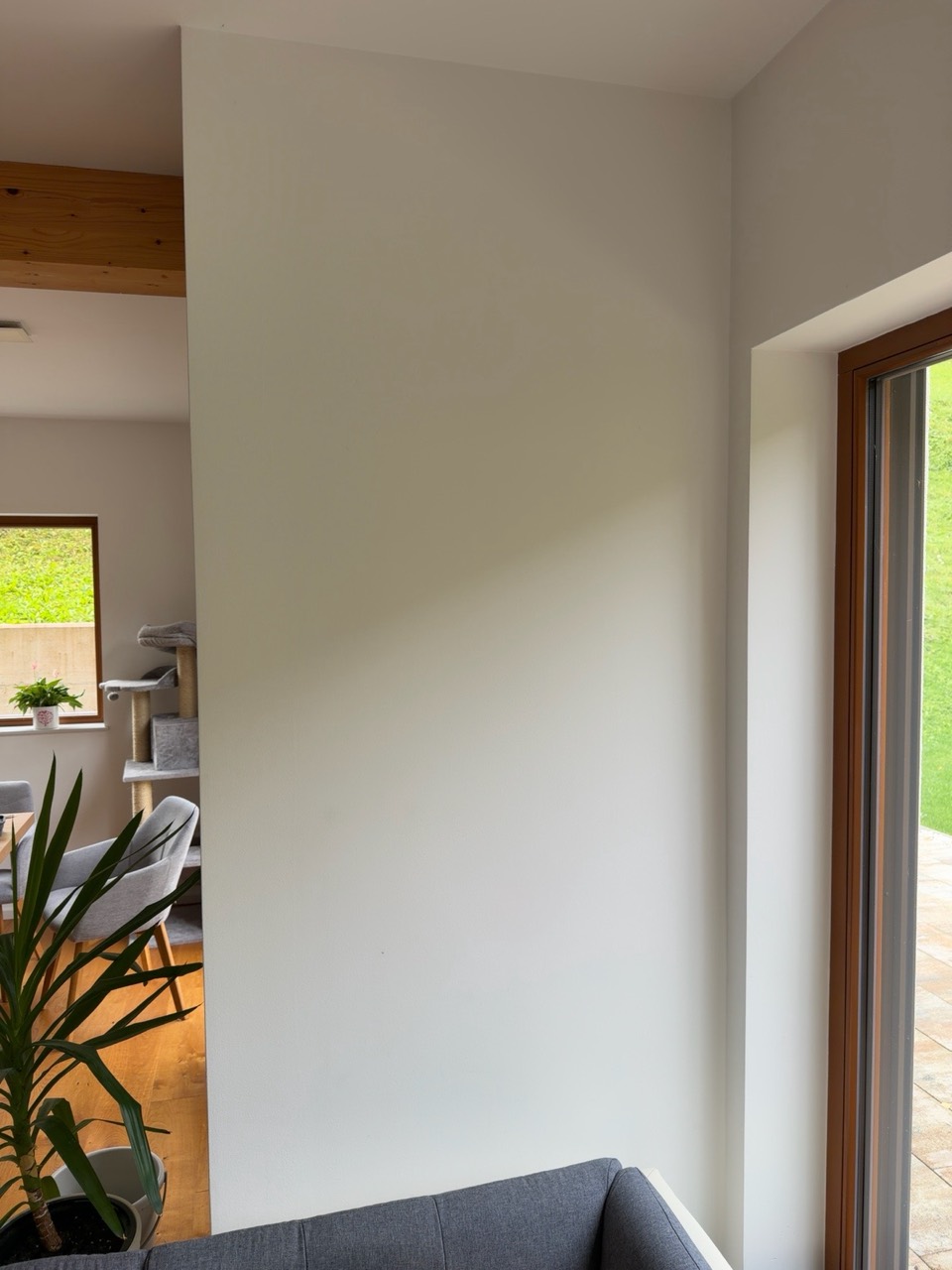
YOUR WALL 100 × 200 cm
Photo of the selected room
←   100 cm   →←   200 cm   →
BOTTOM EDGE
Select a frame to edit · drag to move

The photo is a perspective preview. Measurements refer to the outside edges of frames. Check on the wall before drilling.

A LITTLE INSPIRATION

Good ideas come in
many shapes.

These layouts work with three frame sizes and adapt to your wall. Inspiration comes from published social media examples and practical guides. View counts and virality have not been verified.

TikTok · Elton JohnVertical artwork in a kitchen. Inspiration for making the most of height. ↗Instagram · Don JohnsonA relaxed mix of frames. Inspiration for an organic composition. ↗Reddit · DesignMyRoomA discussion about aligned edges and consistent spacing. ↗Frameology · Symmetrical layoutsGrids and repeating sizes for a calm look. ↗

The photo preview uses four calibration points. In “Edit room”, measure a reference rectangle, then mark the wall outline and obstacles separately.

YOUR LAYOUT, IN YOUR ROOM

Step into the picture.

Your frames. Their true size. Through your camera.

Preparing your layout …

View through the camera

  1. Find your wall. Move your phone slowly in a well-lit room. On a plain wall, include the edge of a window or doorway.
  2. Place your layout. Adjust the position of the whole group. Frame sizes and spacing are locked.
  3. Look from different angles. Move slowly left, right or closer. Frames stay on the detected wall while your phone maintains tracking.

Preparing …

Align the optional green outline with your wall. Red lines mark obstacles. The outline also appears in AR. Turn it off and reopen AR to hide it.

Position and help

Your phone does not automatically match the AR view to your room photo or marked points. Place the whole layout manually, and position it again when you reopen AR.

In iPhone Quick Look, choose AR, if you first see only the object. If the camera cannot detect a plain white wall, include its edges. AR is a preview; check measurements with a tape measure before drilling.

Edit individual frames on this page. Reopen AR after making changes to use the updated layout.

The camera is used only when you enter AR. AR camera footage is not uploaded.
PRINTED, FRAMED, DELIVERED

Order this wall

Your photos, printed and framed in the sizes on your wall.

Your frames

    Delivery address

    Shipping

    Shipping
    Total
    incl. VAT

    You will pay securely with Stripe.